
Record a process
A process is recorded where its buttons are, in your own app, and started from the portal, where you are signed in. Then you tidy it up in the portal and publish it. Nobody writes a selector.
This page assumes the snippet is on your app and the app is set up in the portal. If not, start with Install it. To watch the whole thing first, see the demo.
1. Start from the portal
Section titled “1. Start from the portal”Open your app’s page in the portal and press Record a process. Your app opens in a new tab with the recorder in its corner.
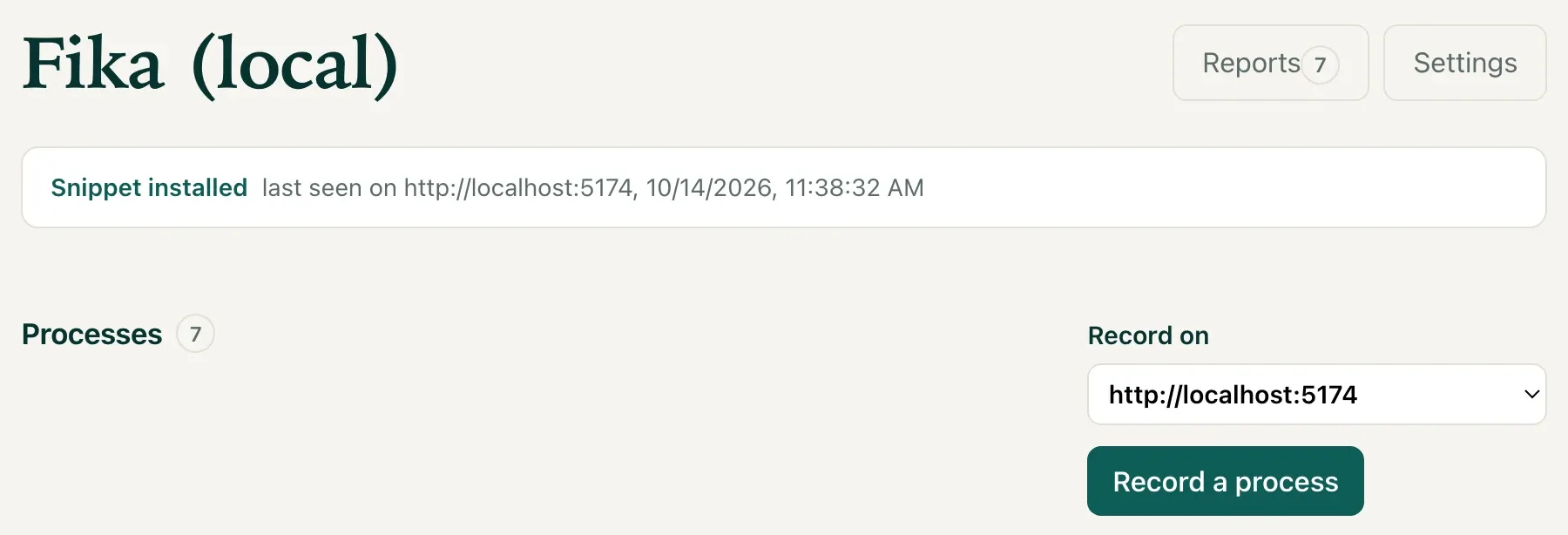
No secret travels in the address. The new tab asks the portal for permission, and the portal grants it because you, signed in, pressed the button. How the pairing works, and why it is built that way.
2. Click through it
Section titled “2. Click through it”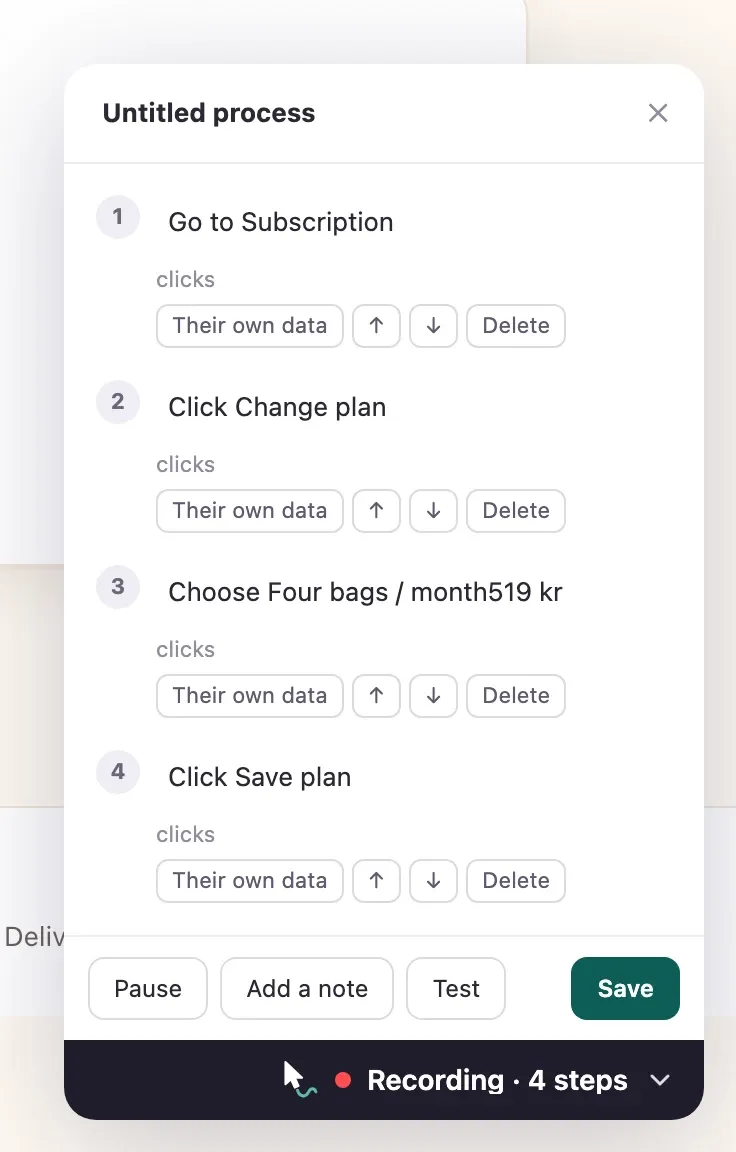
Use your app as you normally would. Every click becomes a step, worded from what you touched: “Go to Subscription”, “Click Save plan”. The wording is a first draft; you will say it better in the next step.
While you record:
- Pause when you need to set something up that is not part of the process.
- Add a note for something the user should read rather than click.
- Test plays what you have so far, so you see what your users will see.
- Fold it away. Press the recorder’s dark bar to shrink it into a pill when it covers what you need to click, and drag it by its header or its bar anywhere on the screen.
- ✕ asks before throwing anything away.
Name the process in the recorder’s header and press Save. It arrives in the portal as a draft. Nobody sees a draft.
3. Reword it, then publish
Section titled “3. Reword it, then publish”
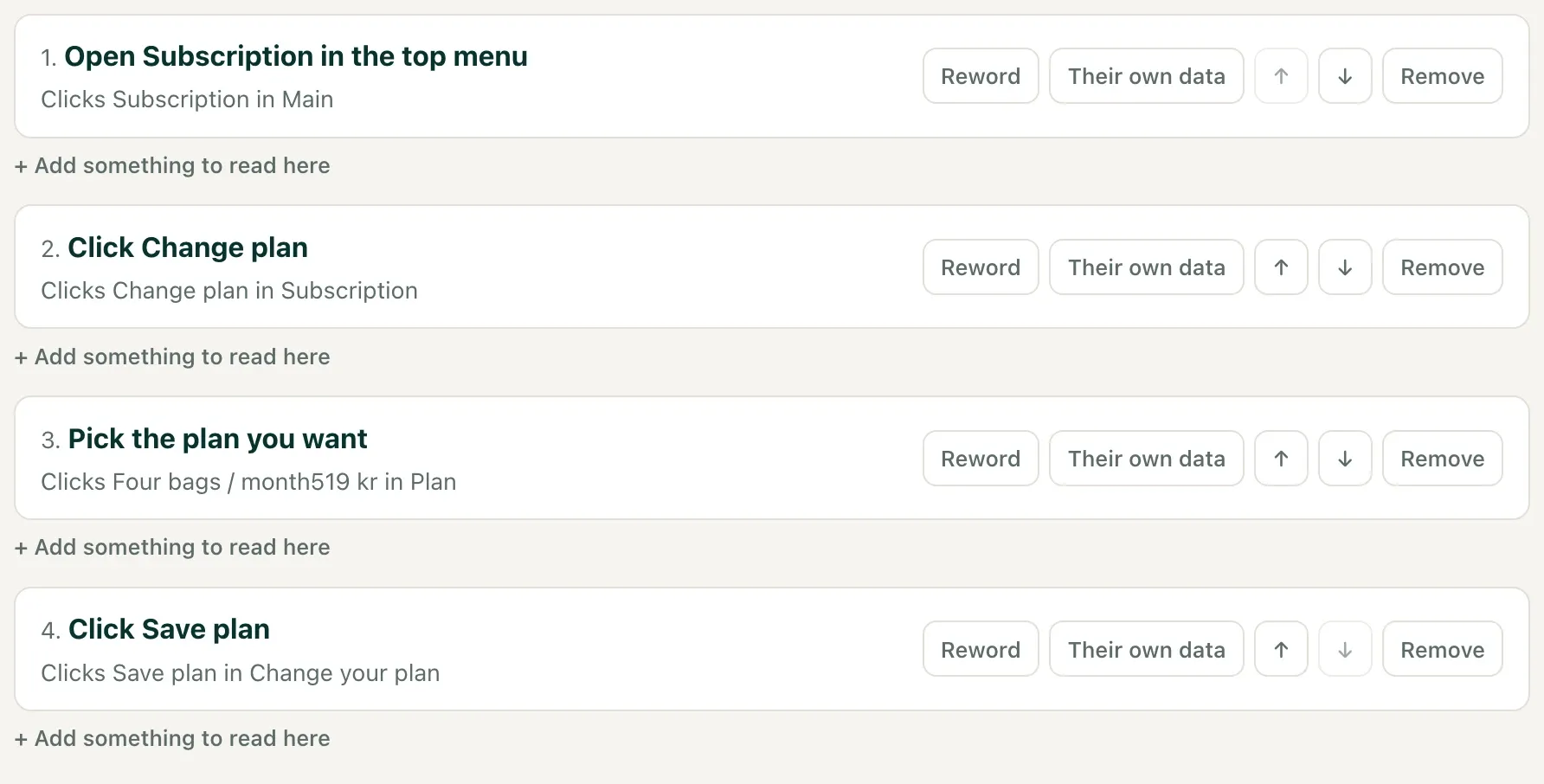
Open the draft in the portal. For each step you can:
- Reword it in your product’s own voice. What the user reads is yours to write.
- Their own data: mark a step that points at one of the user’s own items (an order, a row, a coffee) rather than at fixed parts of the app. The guide then rings every similar item and lets the user pick theirs.
- Move it up or down, or remove a stray click.
- Add something to read here between steps.
Under Where it appears, list the pages it belongs to, as paths like
/subscription, so the same process works on staging and in production; and
choose whether it is offered in the launcher.
Publish freezes a version. You can keep editing the draft afterwards, and nobody who is halfway through the process is disturbed until you publish again.
4. Follow it as a user would
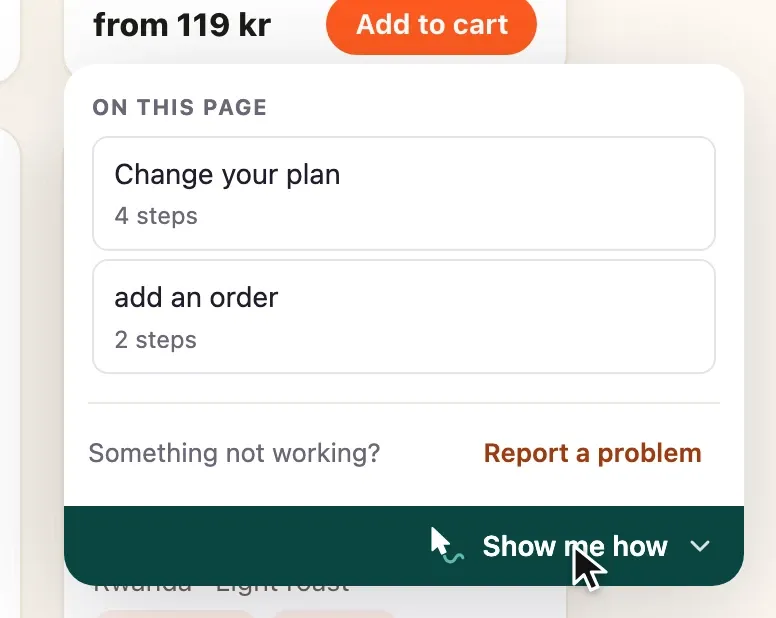
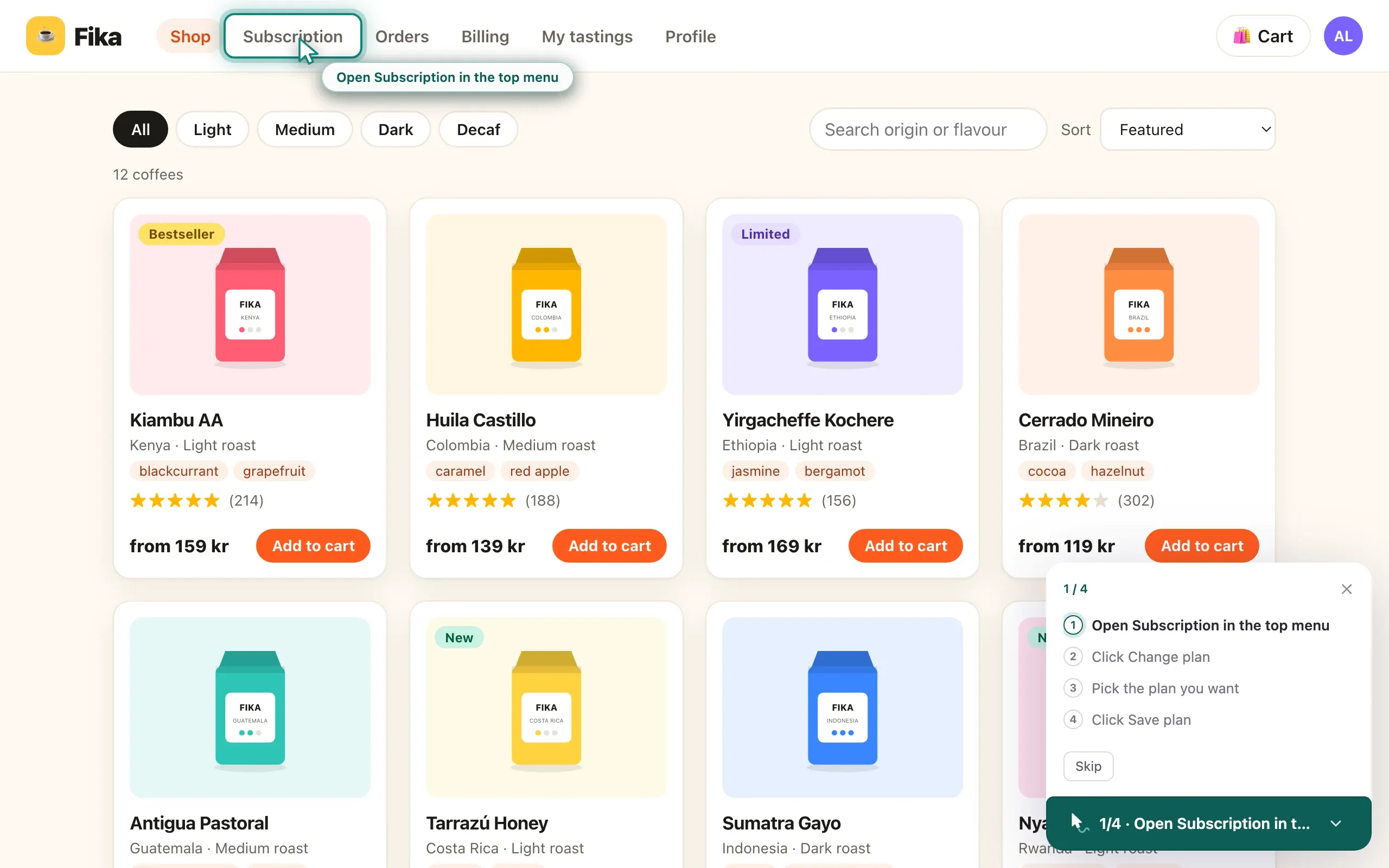
Section titled “4. Follow it as a user would”Open your app normally, not from the portal, and find it under Show me
how, or call Wendmark.start(id) from your own help menu. It plays the way
your users will see it.
Writing one by hand instead
Section titled “Writing one by hand instead”For an app with no portal behind it, or a flow kept next to your own tests, you can write a flow by hand.